Roku Remote

Your phone as a Roku remote.

How to control a Roku from your phone: choosing a remote app, connecting it, typing and voice search, volume and power, and what to do when your remote stops working.

Use your phone as a remoteBest Roku remote app
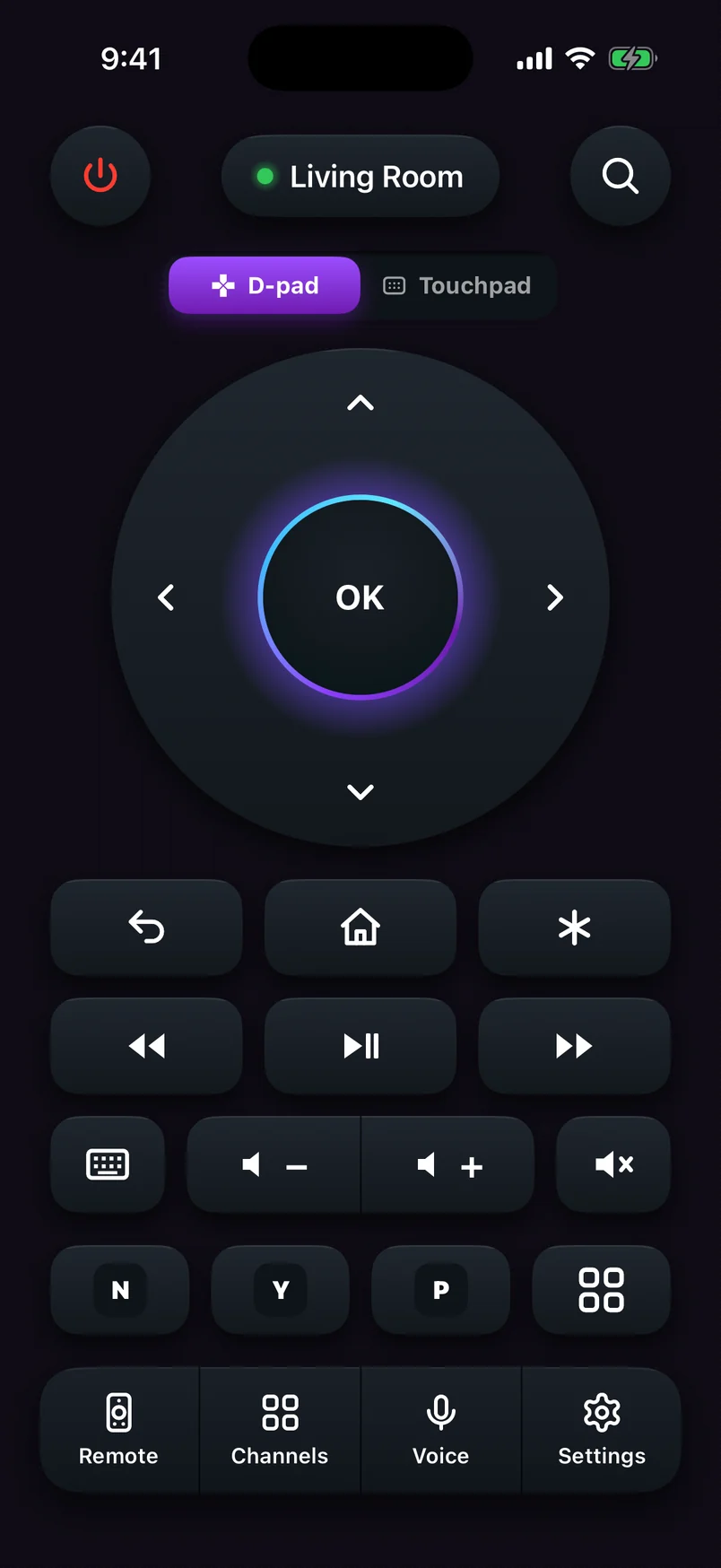
Roku remote app connected to the Living Room Roku, with the D-pad, playback, volume and channel keys
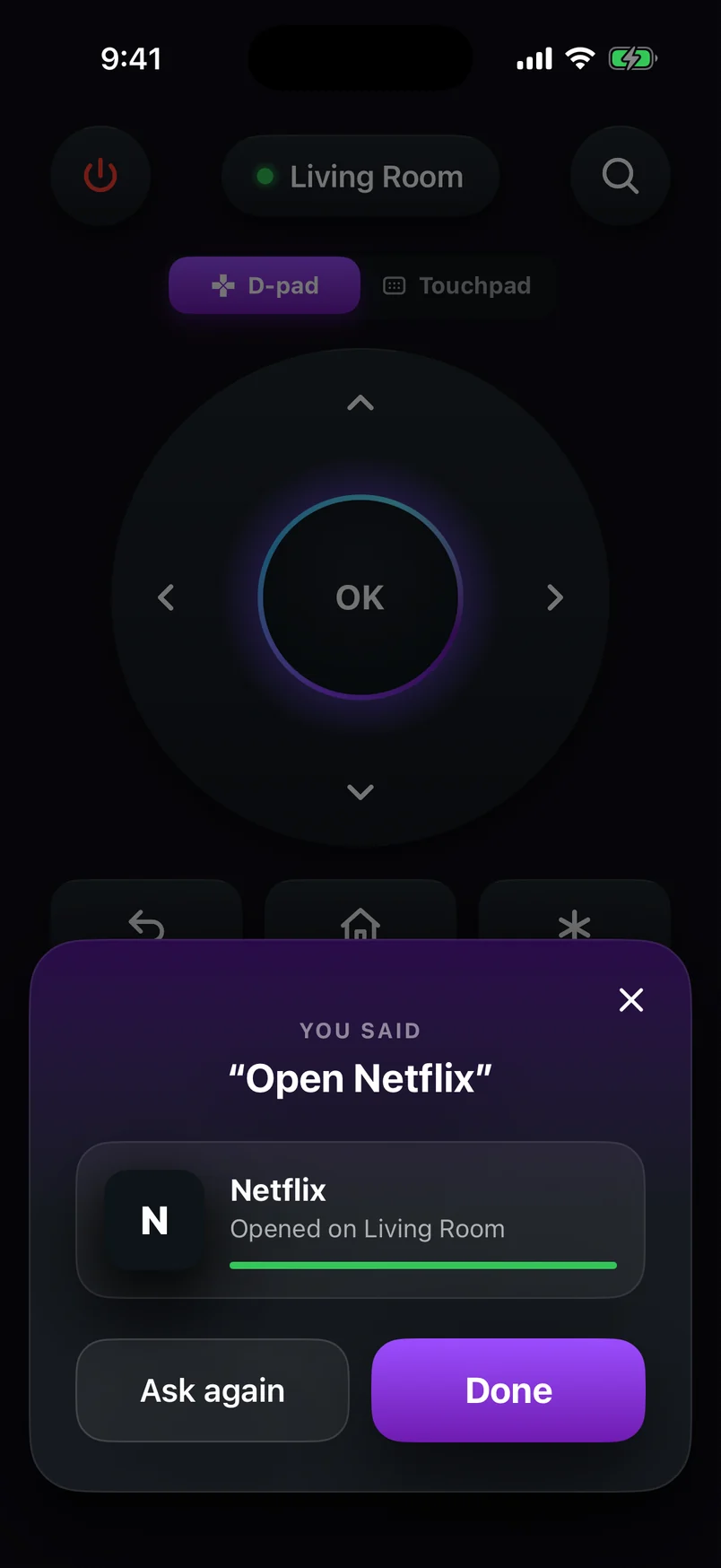
Voice command result: Netflix opened on the Living Room Roku

Which Rokus can a phone control?

All of them. A remote app talks to your Roku over your home Wi-Fi, so it works with Roku TVs from every brand and every current Roku player. The only difference is how TV volume and power work.

Roku TV (every brand)
TCL, Hisense, onn., Sharp, Philips, Westinghouse, JVC, Pioneer and Roku-made TVs
Full control

Everything, including TV volume, mute and power — they work as soon as you connect.
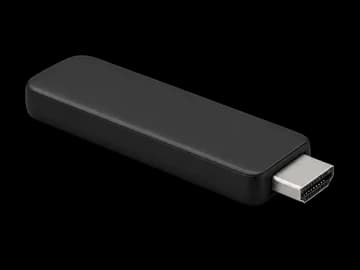
Roku Streaming Stick & Stick Plus (2025)
3840 (HD) · 3830 Plus (4K)
Full control

Full navigation, keyboard, voice and channels. TV volume and power depend on your TV's HDMI-CEC support (or, on Android, pairing the app once with a Google TV or Android TV).
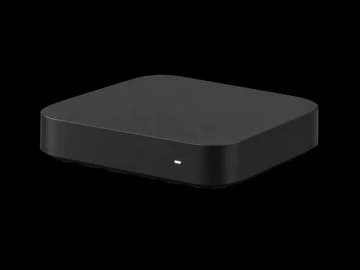
Roku Streaming Stick 4K & older sticks
4K 3820 · 4K+ 3821 · Stick+ 3810/3811 · Stick 3800
Full control

Full navigation, keyboard, voice and channels. TV volume and power depend on your TV's HDMI-CEC support (or, on Android, pairing the app once with a Google TV or Android TV).
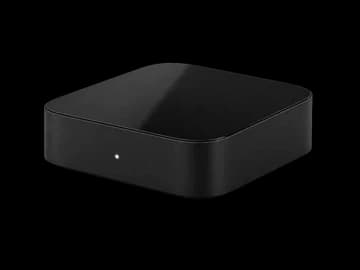
Roku Express & Express+
3960 · 3930 · 3900 · 3700 · Express+ 3931, 3910, 3710
Full control

Full navigation, keyboard, voice and channels. TV volume and power depend on your TV's HDMI-CEC support (or, on Android, pairing the app once with a Google TV or Android TV).
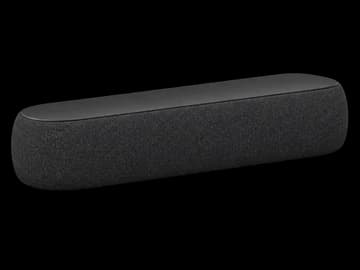
Roku Express 4K & 4K+
3940 · 3941
Full control

Full navigation, keyboard, voice and channels. TV volume and power depend on your TV's HDMI-CEC support (or, on Android, pairing the app once with a Google TV or Android TV).

Roku Ultra
4850 (2024) · 4802 · 4800 · 4670 · 4660 · 4640
Full control

Full navigation, keyboard, voice and channels. TV volume and power depend on your TV's HDMI-CEC support (or, on Android, pairing the app once with a Google TV or Android TV).

Roku Streambar
Streambar SE 9104 · Streambar 9102 · Streambar Pro 9101
Full control

Navigation, keyboard, voice and channels. Volume and power depend on the model and on your TV's HDMI-CEC settings.
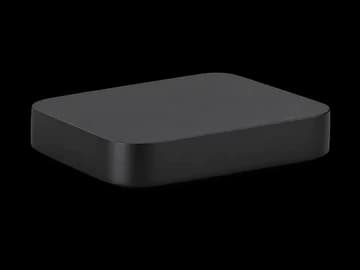
Older Roku players
Premiere 3920/4620 · Premiere+ 3921/4630 · Roku 2, 3, 4
Most models

Phone remote apps work with Roku players going back many years, as long as they're on your Wi-Fi.

All Roku remote guides

Comparison

The best Roku remote app in 2026: what actually matters

Official Roku app or a third-party remote? What to look for in a Roku remote app for Android or iPhone — keyboard, voice, volume, ads — and which to download.

· 7 min read
Guide

How to use your phone as a Roku remote

Turn an Android phone or iPhone into a full Roku remote in two minutes: the one setting to switch on, how to connect, and how to control more than one Roku.

· 5 min read
Guide

Lost your Roku remote? How to control your Roku without one

Remote missing, broken or out of batteries? How to control your Roku from your phone, plus the trick for when the Roku isn't on Wi-Fi yet.

· 6 min read
Troubleshooting

Roku remote app not connecting? How to fix it

App can't find your Roku, or finds it but buttons do nothing? The "Control by mobile apps" setting, guest Wi-Fi and five other fixes for phone remote apps.

· 6 min read
Guide

Can a Roku remote app control TV volume and power?

On a Roku TV, yes. On a Roku stick or box it depends on your TV. Here's how volume and power work from a phone, and how to get them working.

· 5 min read
Tips

How to type and search on Roku with your phone (keyboard + voice)

Stop pecking at letters with arrow keys. Type searches, emails and passwords on your Roku with your phone's keyboard, or just say what you want to watch.

· 4 min read
Troubleshooting

Roku remote not working? 7 fixes that actually help

From Wi-Fi hiccups to pairing problems, here are the fixes our support team recommends most.

· 5 min read

Quick answers

Can I control my Roku with my phone?

Yes. Put your phone on the same Wi-Fi as the Roku, make sure Settings › System › Advanced system settings › Control by mobile apps is set to Enabled, and open a Roku remote app.

Is there a free Roku remote app?

Yes. Roku's official app is free, and so is our Roku TV Remote, which has an optional Premium plan that removes upgrade prompts.

Why does the app find my Roku but the buttons don't work?

Roku's Control by mobile apps setting is probably set to Limited or Disabled. Change Network access to Enabled and try again.

Can a remote app change the TV volume?

On a Roku TV, yes. With a Roku stick or box, the app relies on your TV's HDMI-CEC support, or (in our Android app) on pairing once with a Google TV or Android TV.

Does a Roku remote app work without Wi-Fi?

No. The phone and the Roku talk across your home network. If the Roku isn't on Wi-Fi yet, a phone hotspot can bridge the gap — see our guide to controlling a Roku without a remote.
Roku TV Remote
4.8 · Free on Android & iOS

Control your Roku from anywhere in the room.

  • Full remote: D-pad or touchpad, playback, volume and power
  • Type on your TV with your phone's keyboard
  • Voice commands like “Open Netflix” or “Volume up”
  • Your channels as one-tap keys
Roku remote app connected to the Living Room Roku, with the D-pad, playback, volume and channel keys
Voice command result: Netflix opened on the Living Room Roku