Roku TV vs. Roku player
| Your setup | Volume & mute | Power |
|---|---|---|
| Roku TV (TCL, Hisense, onn. and others) | Yes | Yes |
| Roku player + TV with HDMI-CEC turned on | Often | Usually (standby) |
| Roku player + Google TV / Android TV | Yes, after pairing once (our Android app) | Yes, after pairing once (our Android app) |
| Roku player + TV without CEC | No — use the TV's remote | No |
On a Roku TV: it just works
A Roku TV tells apps it can change its own volume and power, so the volume, mute and power keys work the moment you connect. If power-on doesn't work, check that the TV stays on the network in standby — look for SettingsSystemPowerFast TV start on your model.
On a Roku stick, box or Streambar
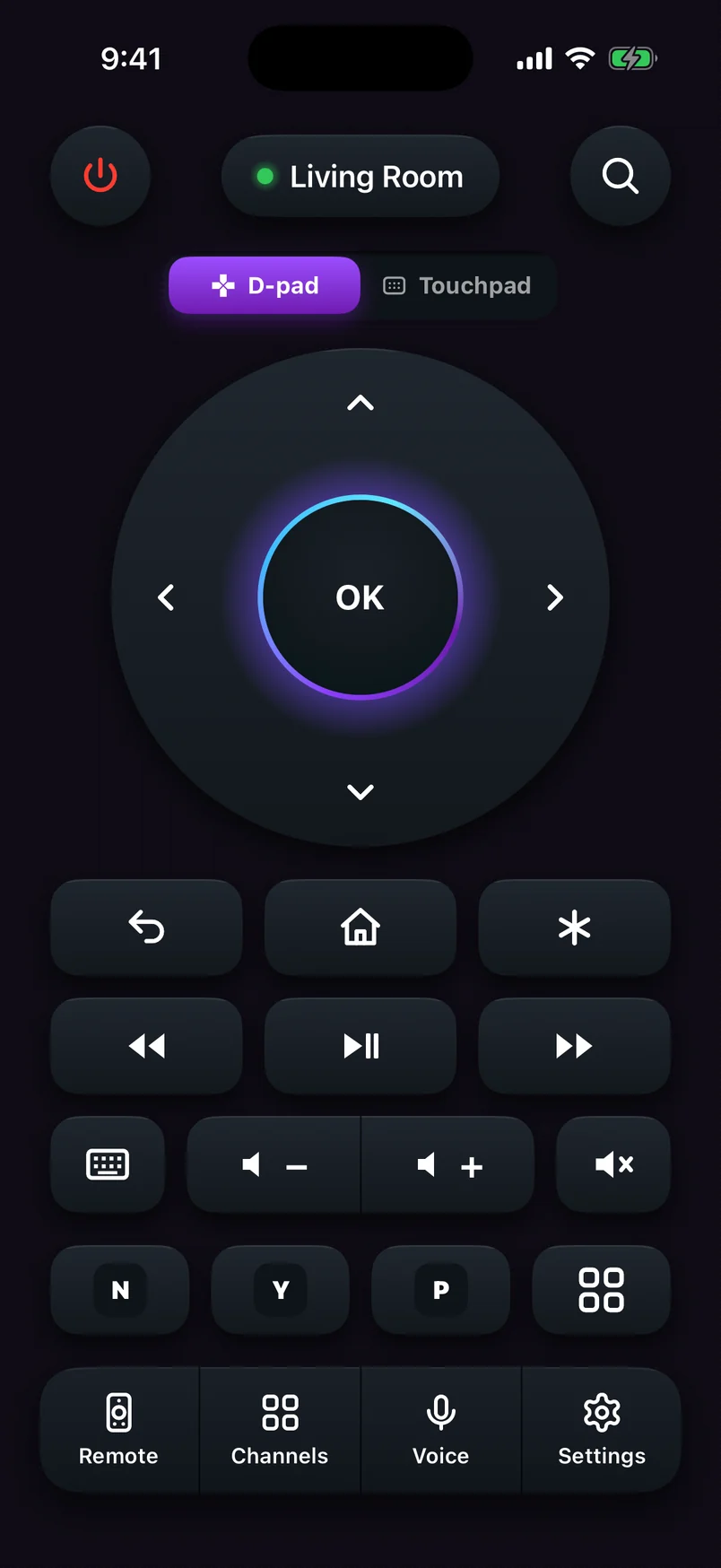
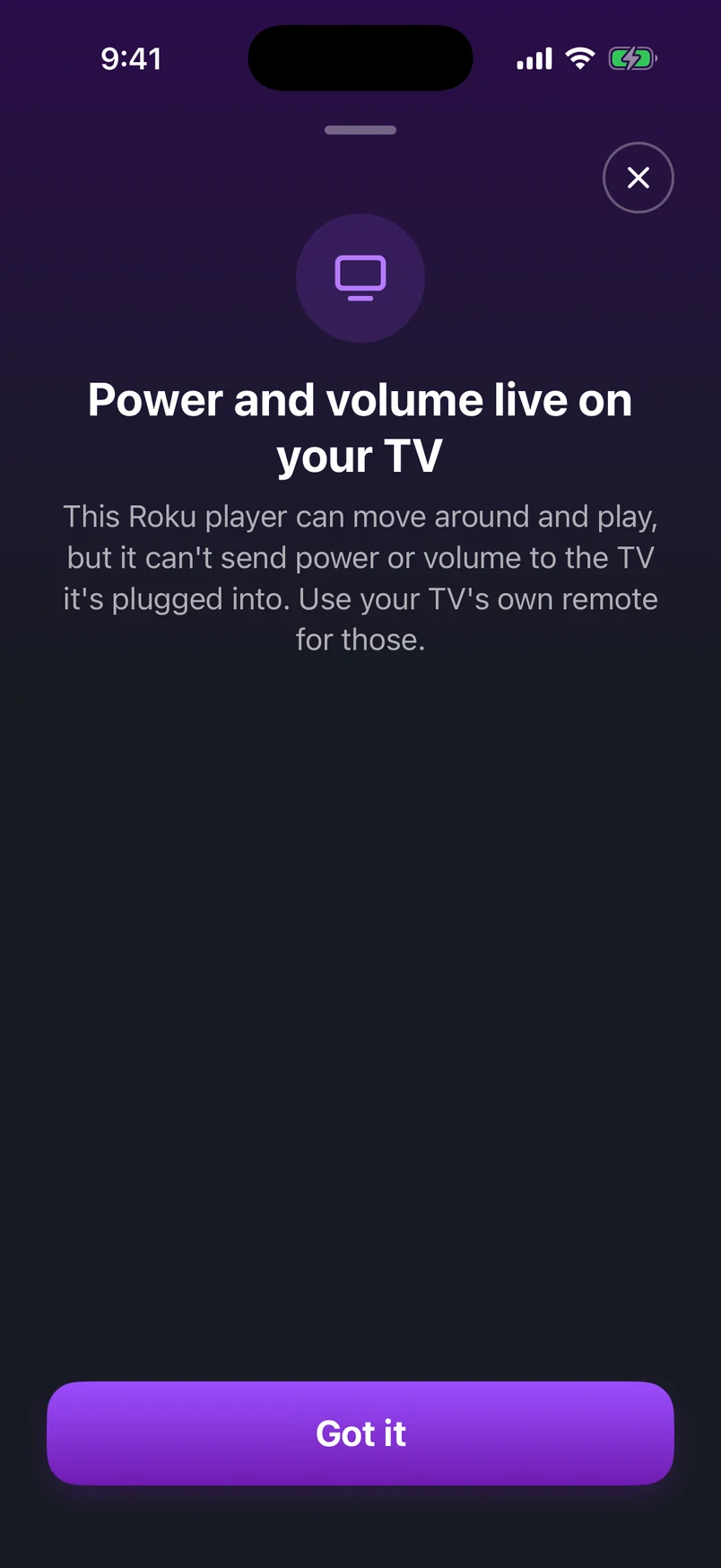
A Roku player is a separate box: it sends a picture to your TV but doesn't control the TV's speaker or power supply. Your physical Roku voice remote gets around this with an infrared transmitter that talks to the TV directly. A phone can't do that over Wi-Fi, so it has two options instead.
Option 1: turn on HDMI-CEC
HDMI-CEC lets devices on HDMI control each other. TV makers give it their own names — Anynet+ (Samsung), SimpLink (LG), BRAVIA Sync (Sony) — but it's the same thing.
- On the RokuOpen SettingsSystemControl other devices (CEC) and turn on 1-Touch Play and the TV power and volume options your Roku offers.
- On the TVTurn on HDMI-CEC (or its brand name) in the TV's settings.
- Test itPress volume up in the app. Recent Roku software tells apps when CEC volume and power are available, so the app can show only the controls that will work.
Option 2: pair the app with your TV (Android)
If your Roku is plugged into a TV running Google TV or Android TV — many Sony, Hisense, TCL and Philips models — our Roku TV Remote for Android can pair with that TV once and send volume and power to it directly, while the rest of the remote keeps controlling the Roku. The TV shows a six-character code; type it into the app and it's remembered for next time.
On iPhone, the app tells you plainly when those keys belong to your TV, so you're never left pressing buttons that can't work — HDMI-CEC (Option 1) is the route there.
What about Samsung, LG and other TVs?
Those TVs use their own control systems. For them, HDMI-CEC is the way to go — and when it isn't available, the TV's own remote handles volume while your phone handles everything else.