The Roku Express is the Roku most people own: small, cheap, and plugged into a lot of bedroom and kitchen TVs. It handles screen mirroring well — with one catch that trips up a lot of owners of older models.
Which Express do you have?
Go to SettingsSystemAbout and look at the model number. You can also find it on the label under the player. Older players can look nearly identical, so the number is the only reliable way to tell.
Screen mirroring support by model
| Model | Built-in mirroring | With our app |
|---|---|---|
| Express 3960 (2022) | Yes | Works |
| Express 3930 / 3900 | Yes | Works |
| Express+ 3931 | Yes | Works |
| Express+ 3910 | HDMI only | Works |
| Express 3700 | No | Works |
| Express+ 3710 | No | Works |
| Express 4K / 4K+ (3940, 3941) | Yes | Works |
How to mirror Android to a Roku Express
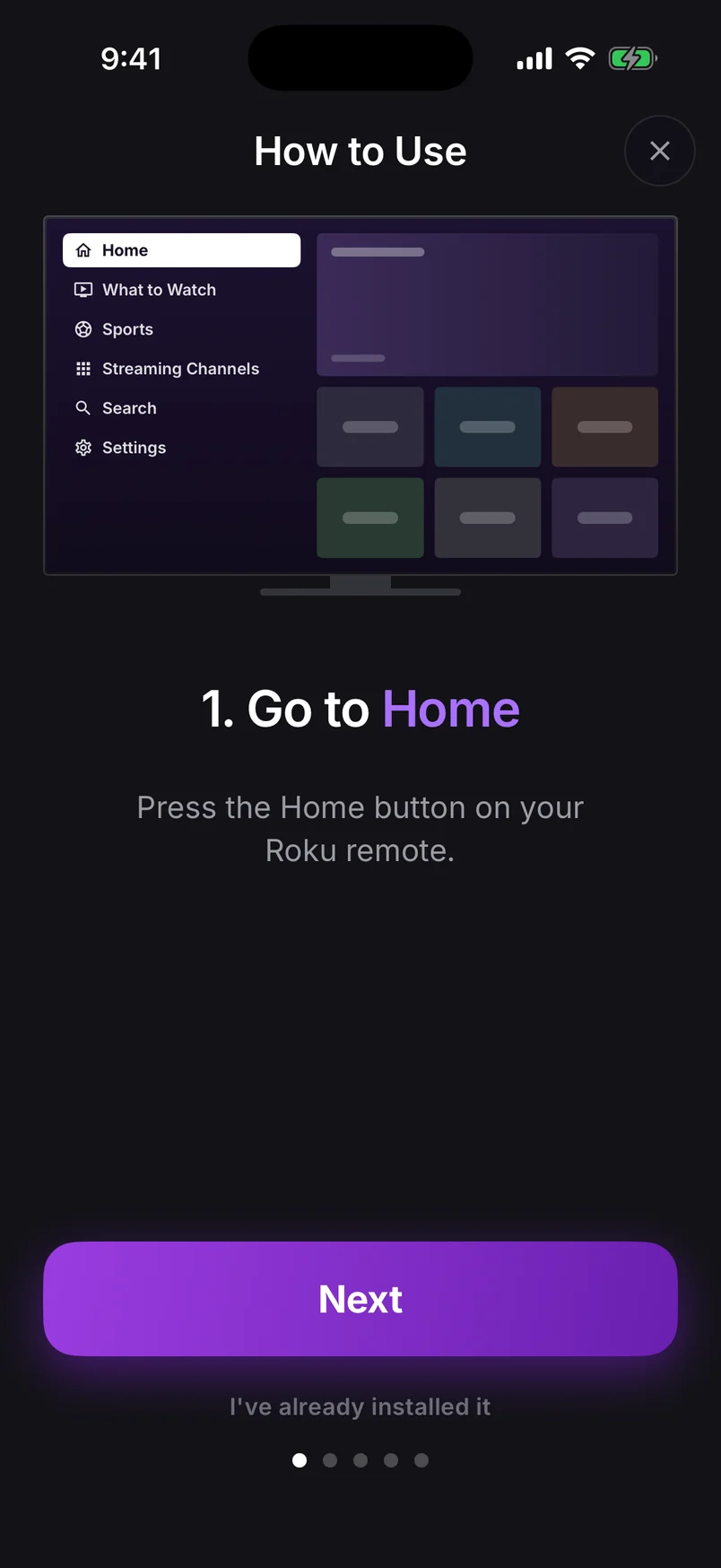
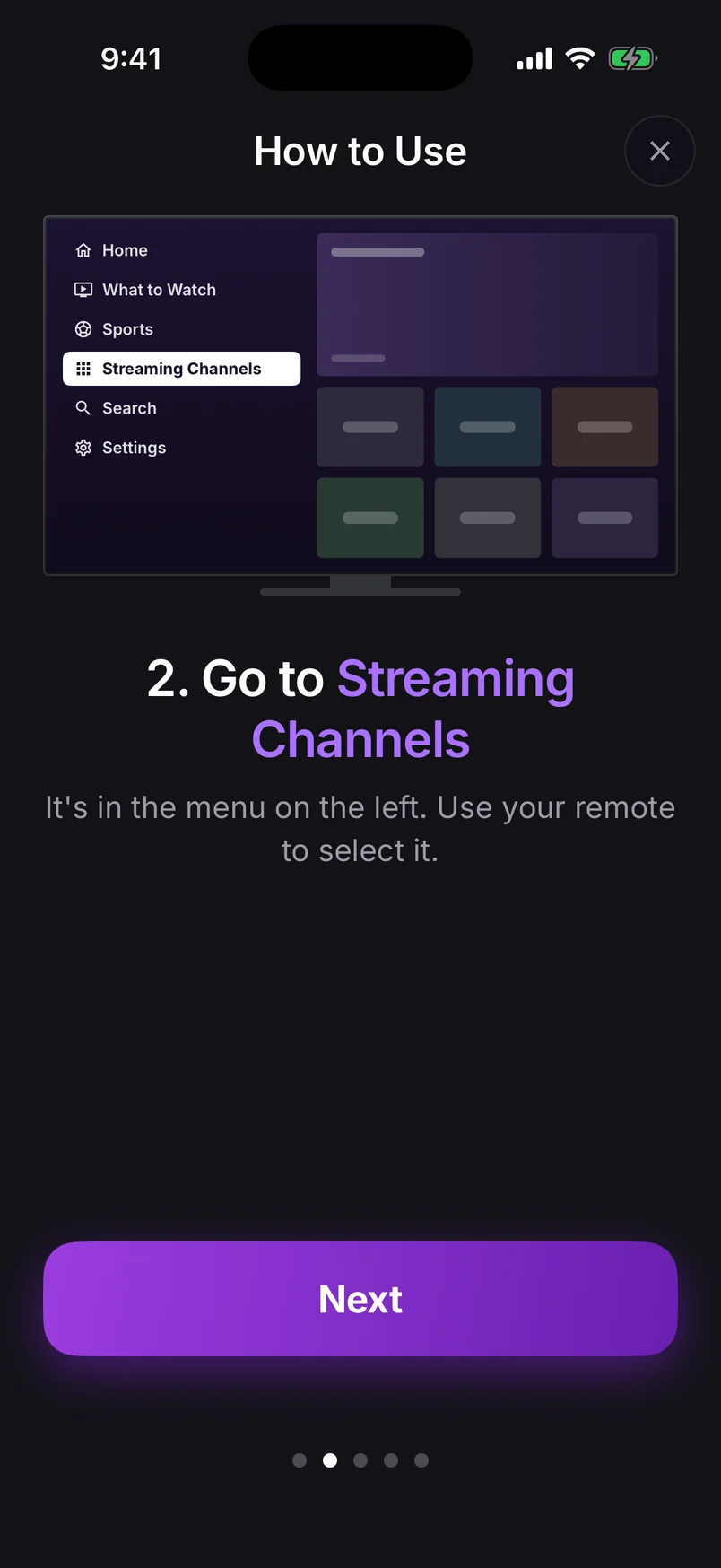
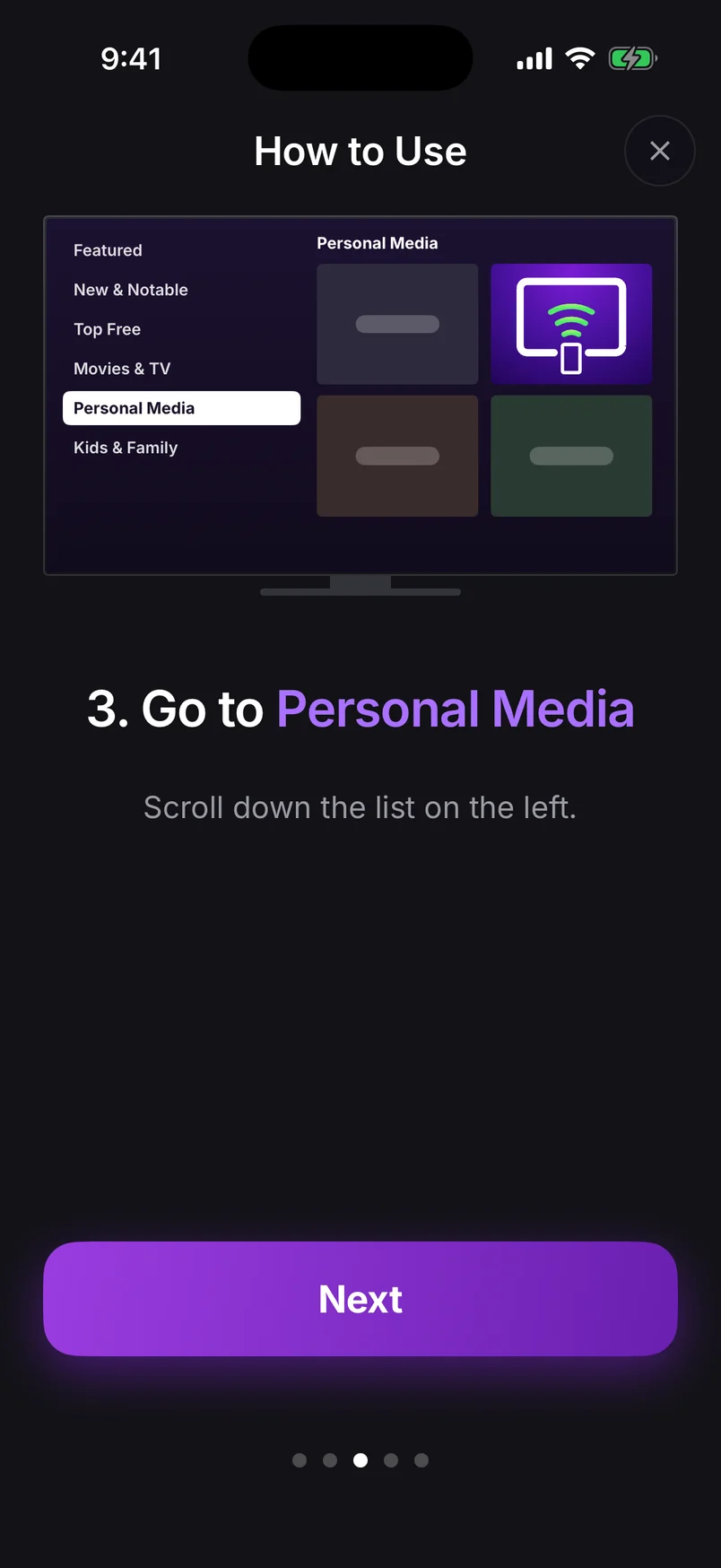
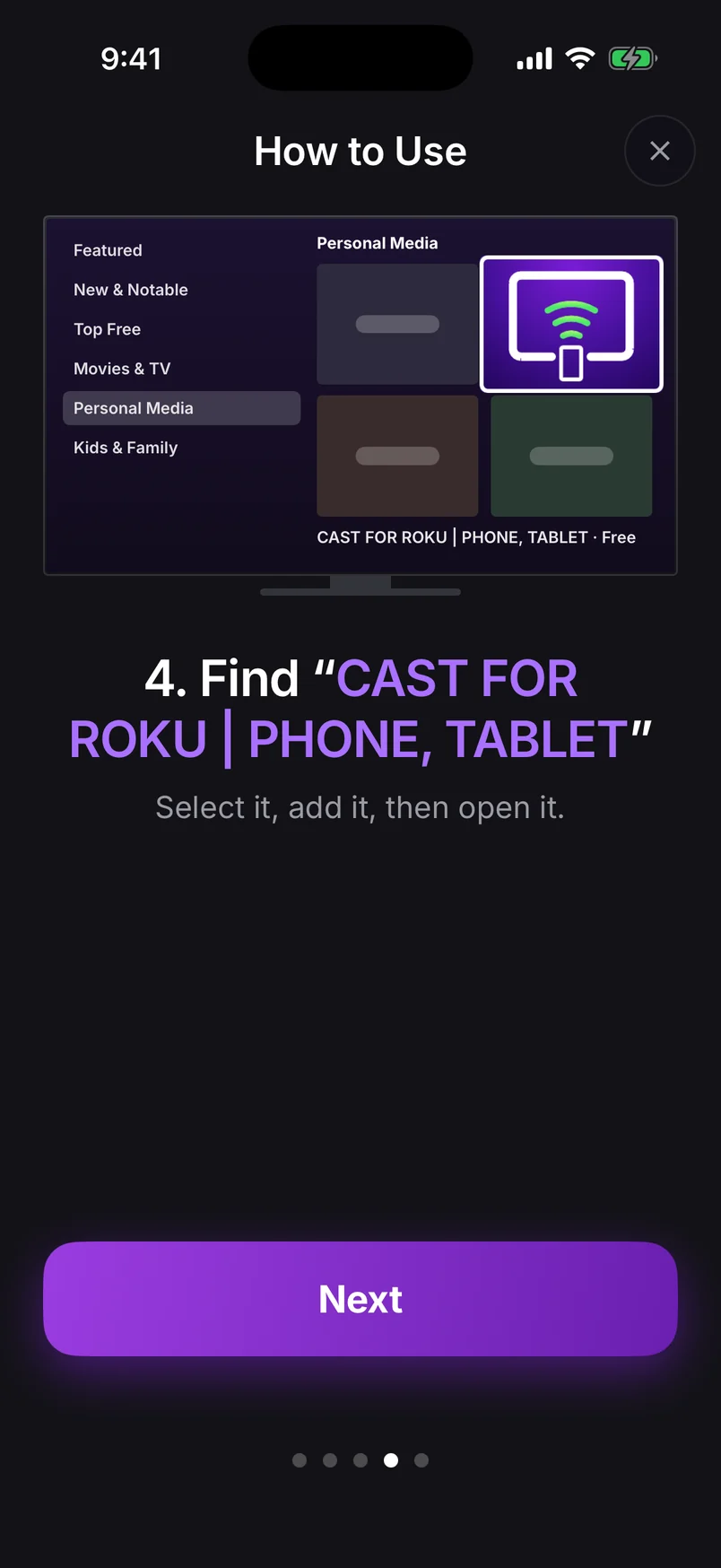
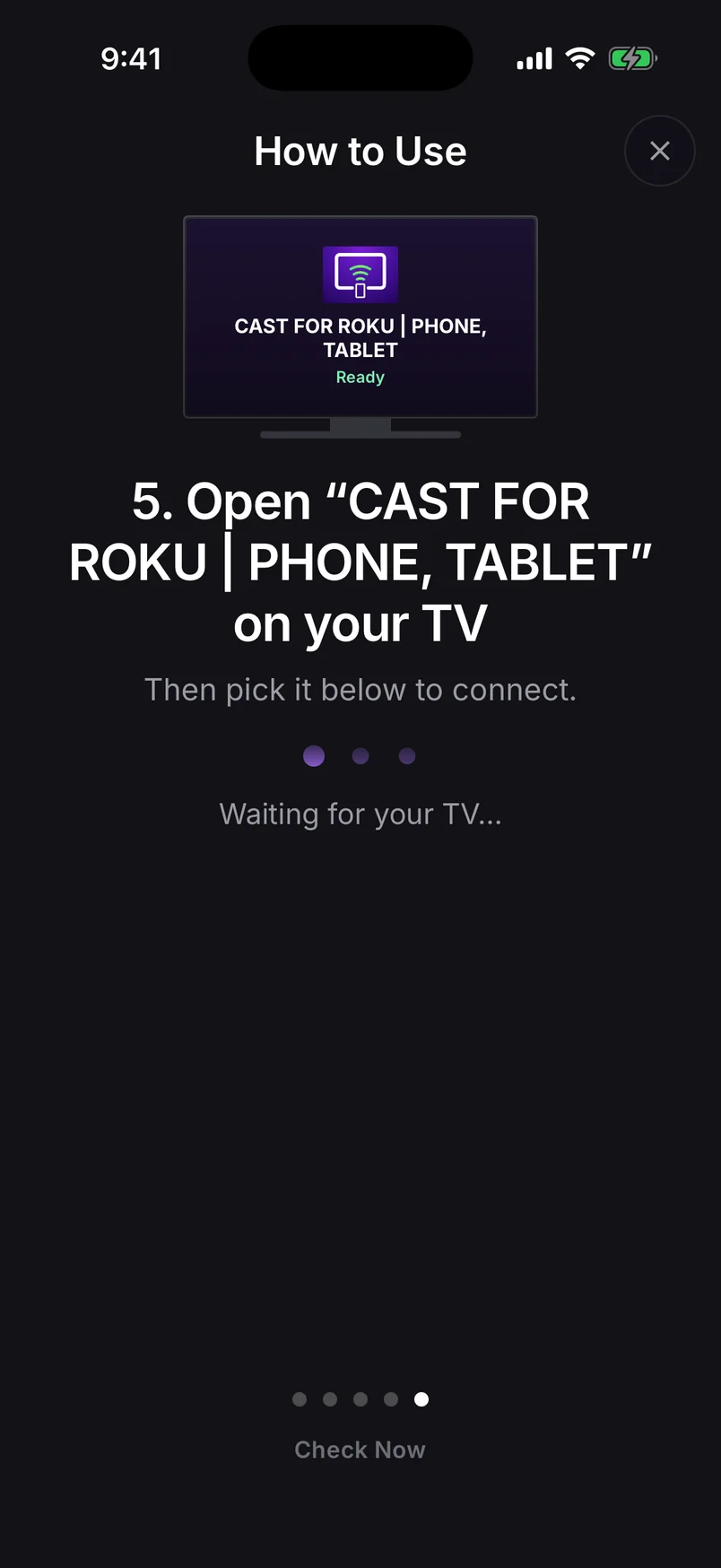
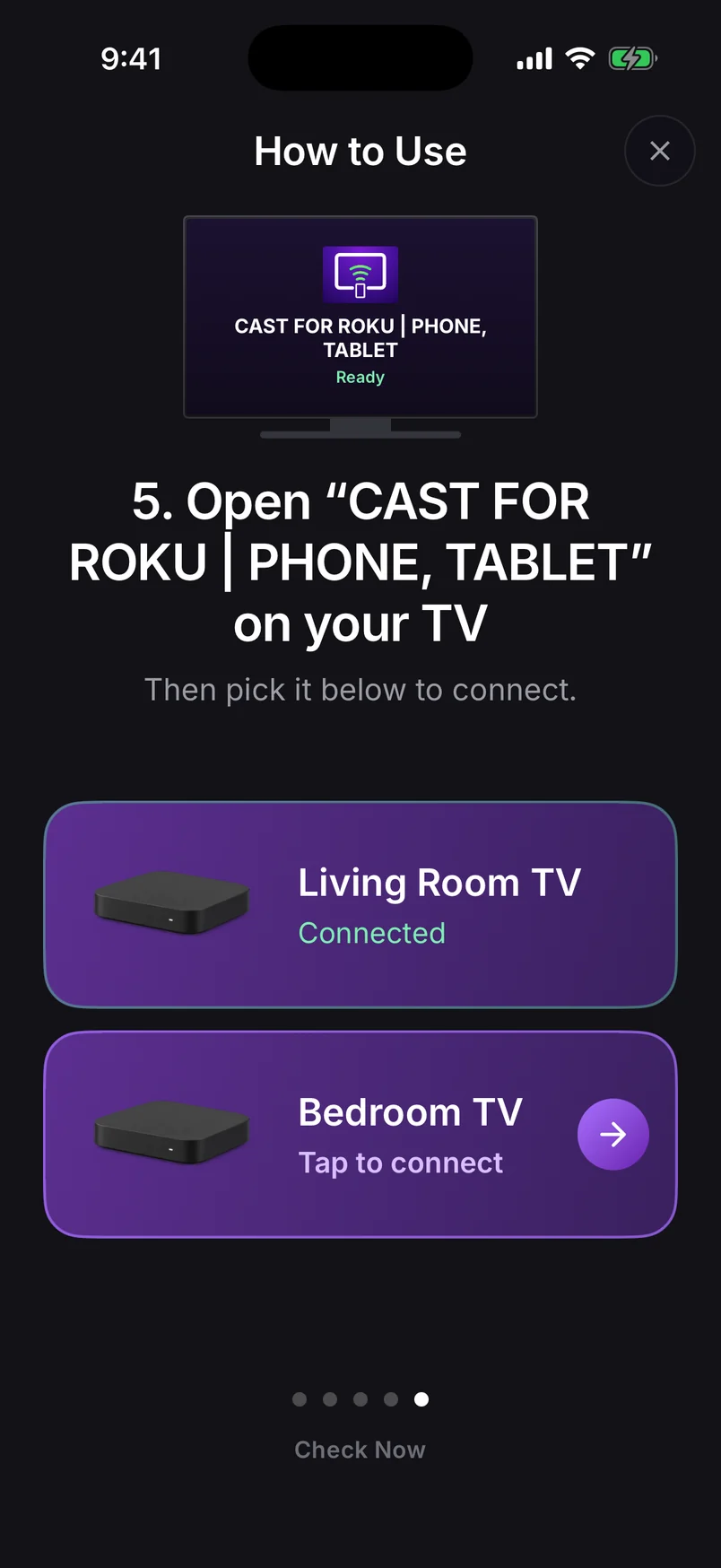
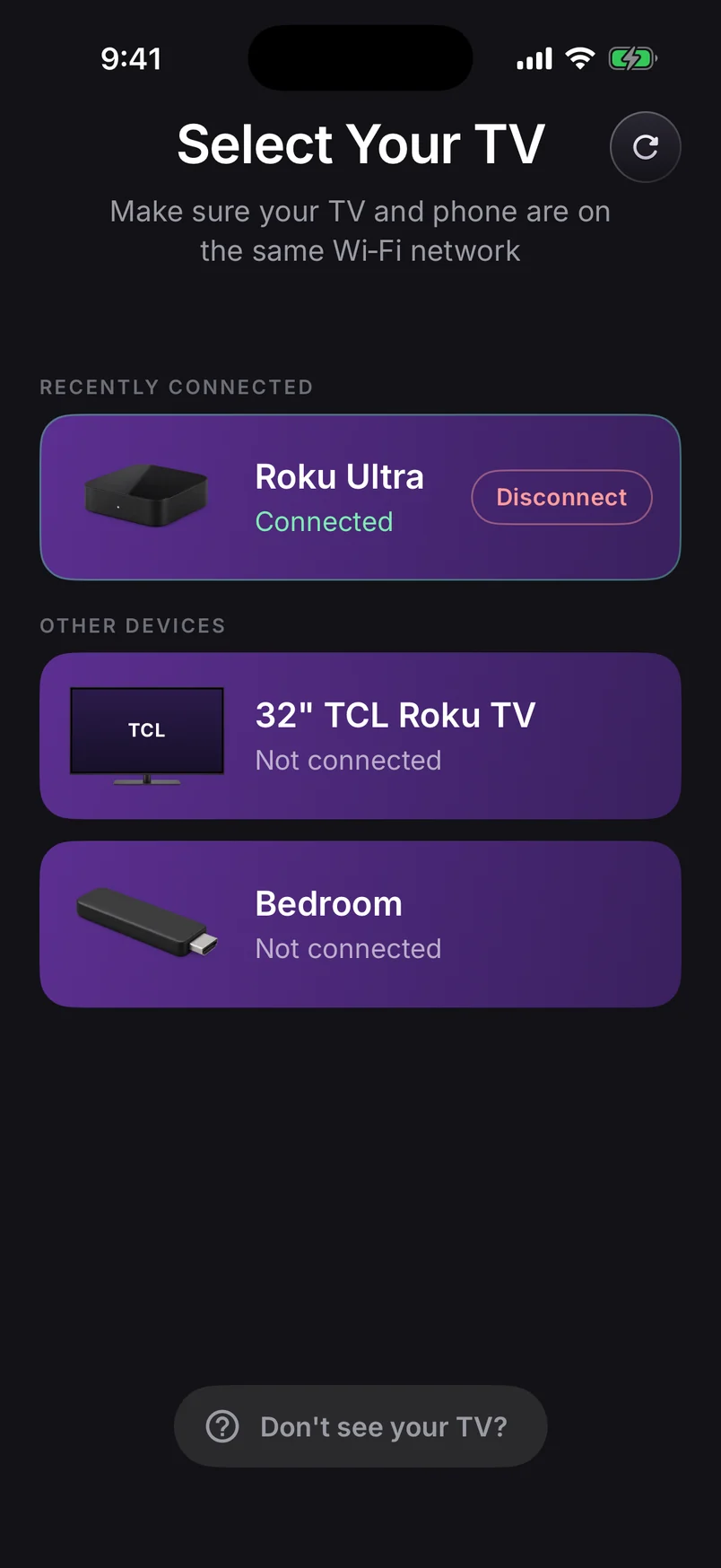
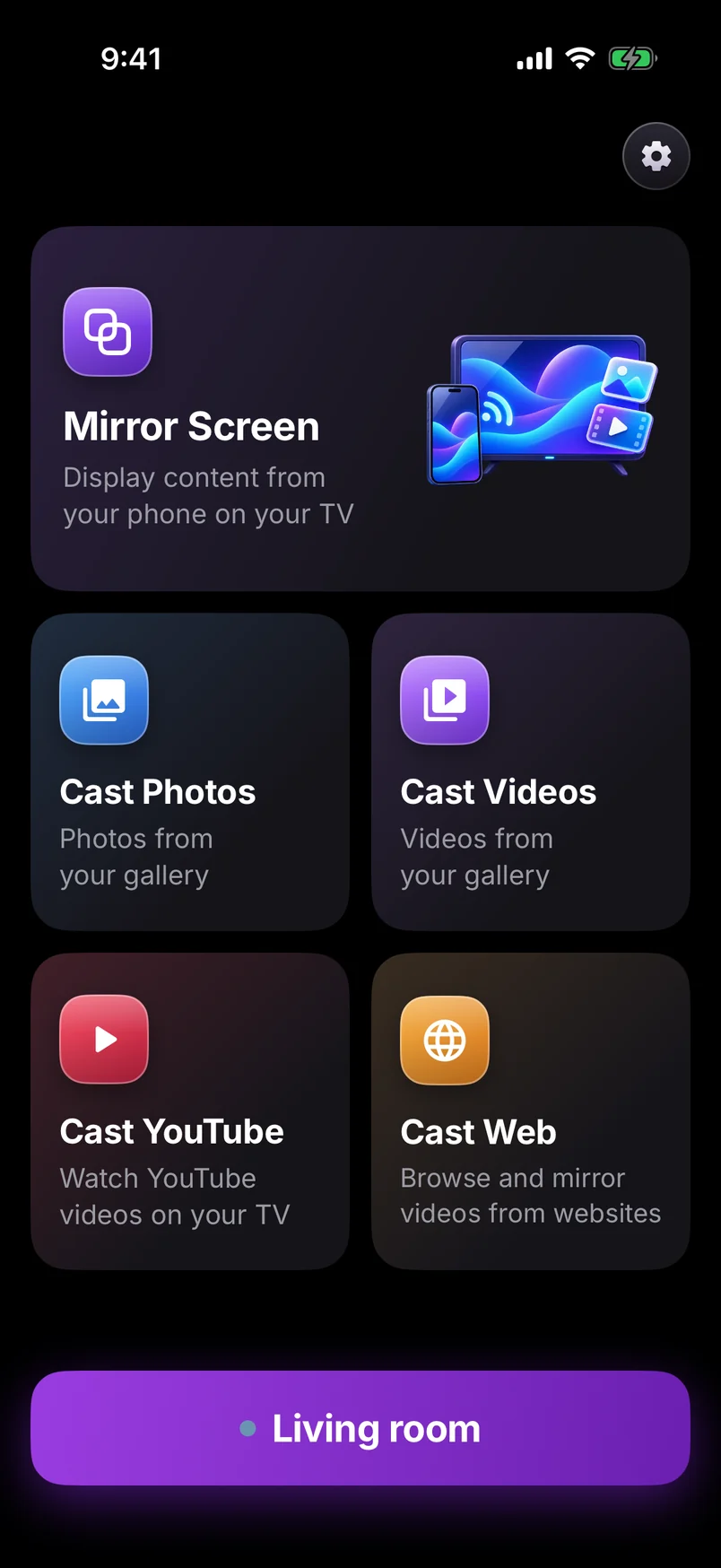
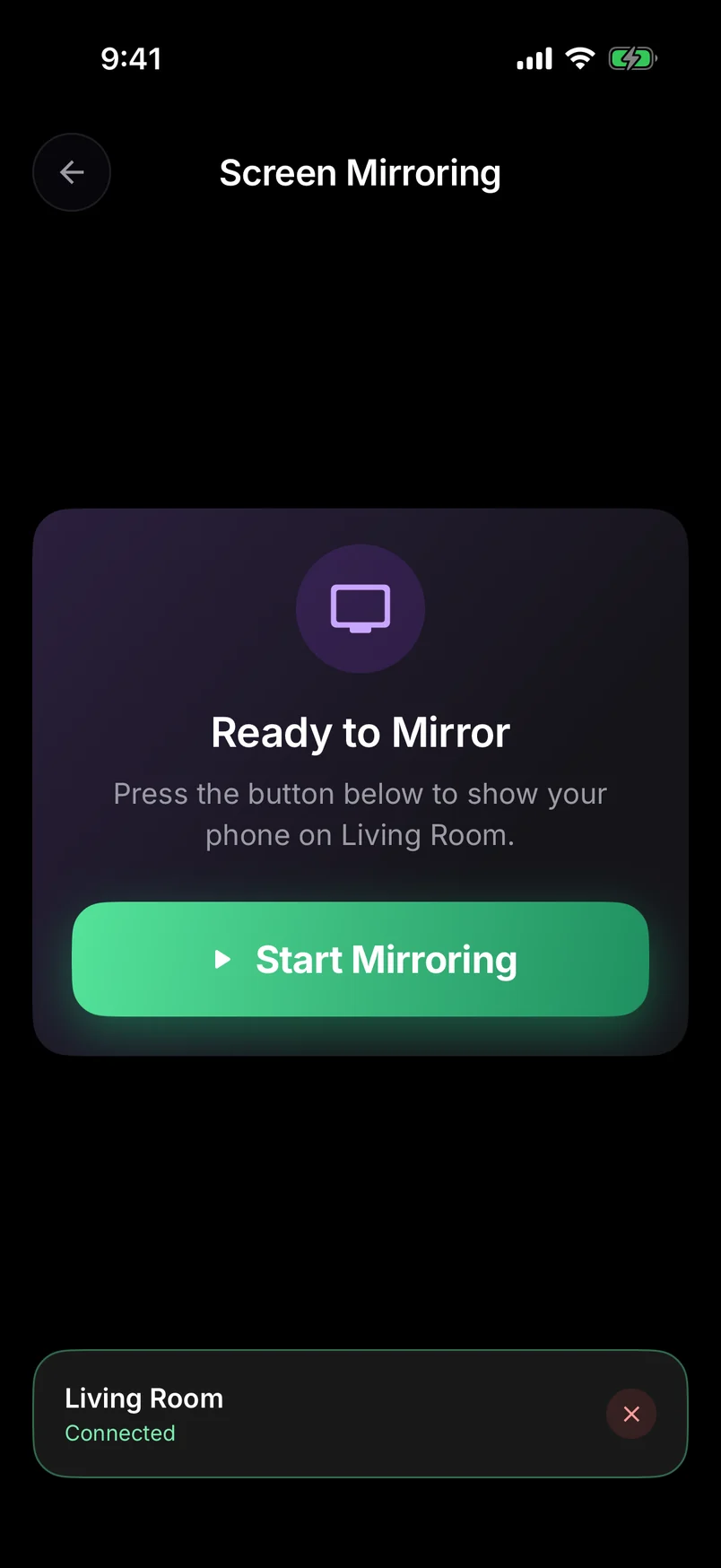
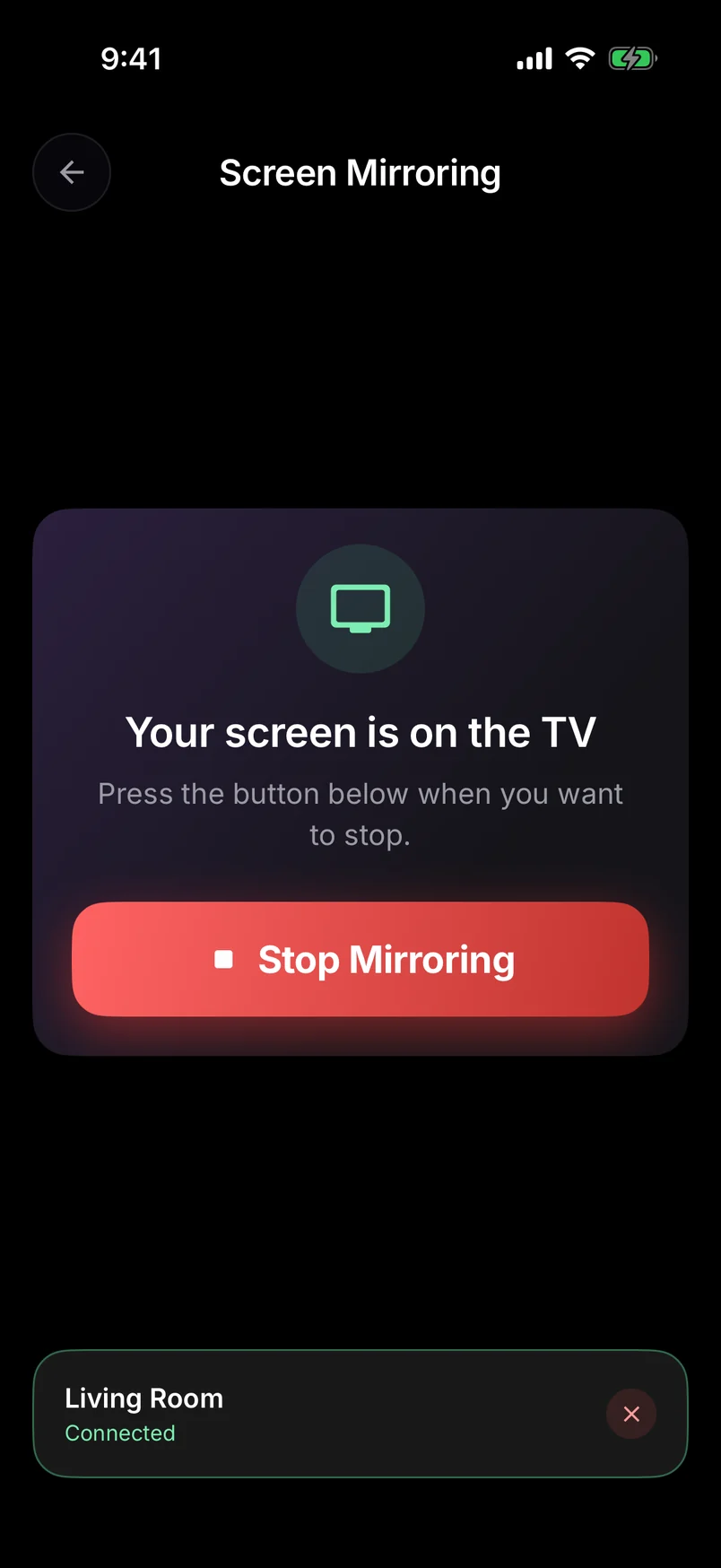
Choose a step, use the arrows, or swipe the phone. Play to advance automatically.
Step 1 of 10: Press Home on your Roku remote
Full walkthrough: how to screen mirror Android to a Roku TV.
Prefer the built-in route?
On models that have it, turn on SettingsSystemScreen mirroringScreen mirroring mode (Prompt or Always allow), then pick the Express from your phone's Smart View or Wireless display menu and allow it on the TV.
The Express 3700 and 3710: no built-in mirroring, still mirrors
These older models were built without Roku's screen-mirroring receiver, so they never appear in Smart View or Wireless display — no setting will change that. But they still run current Roku software and can add channels, and that's all our app needs: the picture travels over your Wi-Fi to the channel instead of using the built-in receiver.
Getting a smooth picture on an Express
- Keep the Express and your router close — it has no Ethernet port, so Wi-Fi signal is everything.
- Don't hide the Express behind the TV — use its adhesive strip to mount it in the open, where both its Wi-Fi and its remote work better.
- Use Instant Video mode for apps and presentations; it has the lowest delay.
- Restart the Express if it's been on for weeks — it clears memory and helps everything feel snappier.
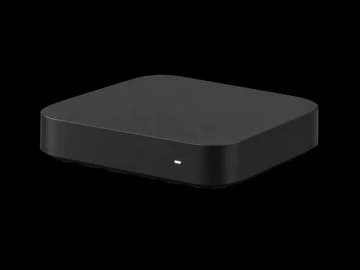
Works on every Express, including the 3700 and 3710 that never had Roku's built-in mirroring. Older Express hardware uses a lighter picture setting to stay smooth.
Roku Express guide →Mirrors in up to 1080p, upscaled by your 4K TV. Cast a photo or video instead for the sharpest picture.
Express 4K guide →Thinking about upgrading? The Roku Ultra is the smoothest Roku for mirroring, and the Streaming Stick replaced the Express in Roku's lineup.