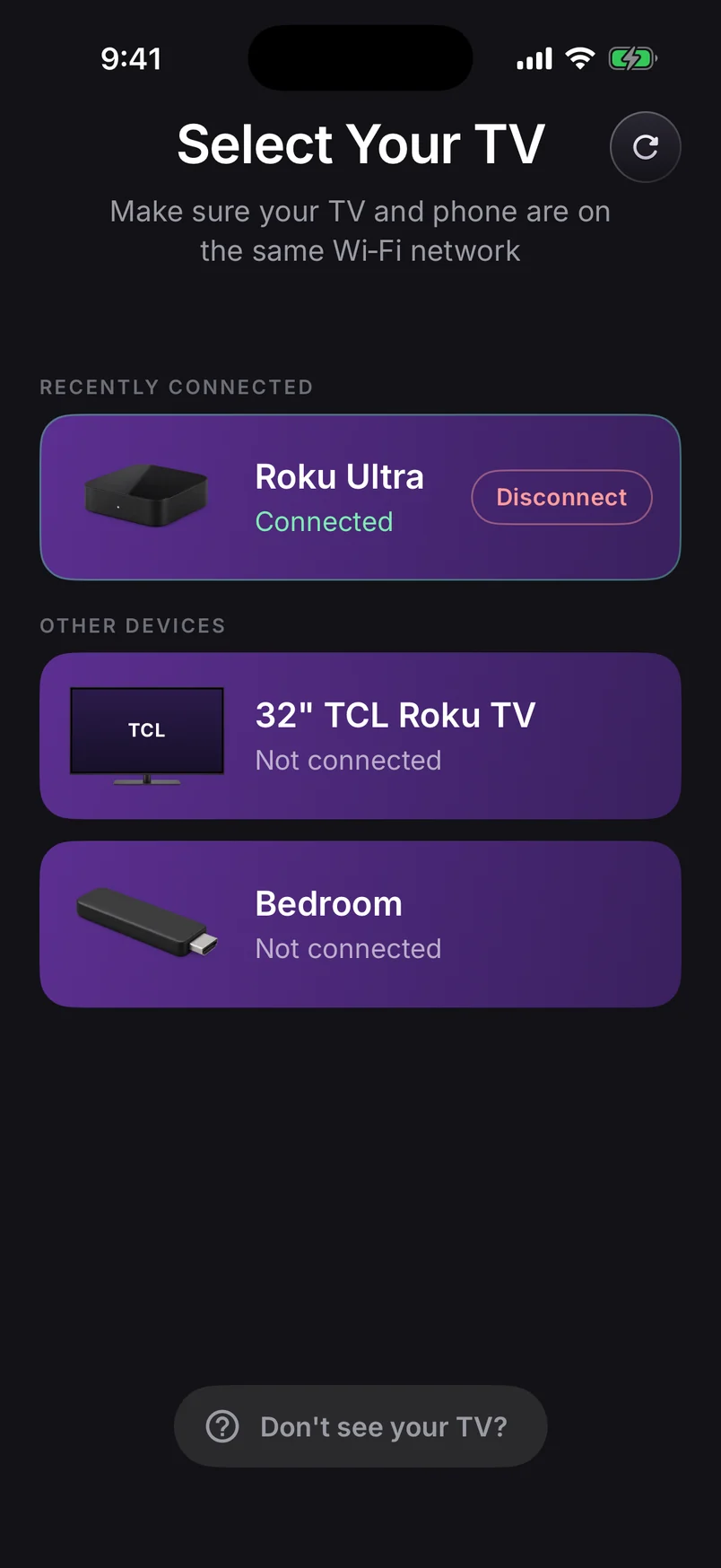
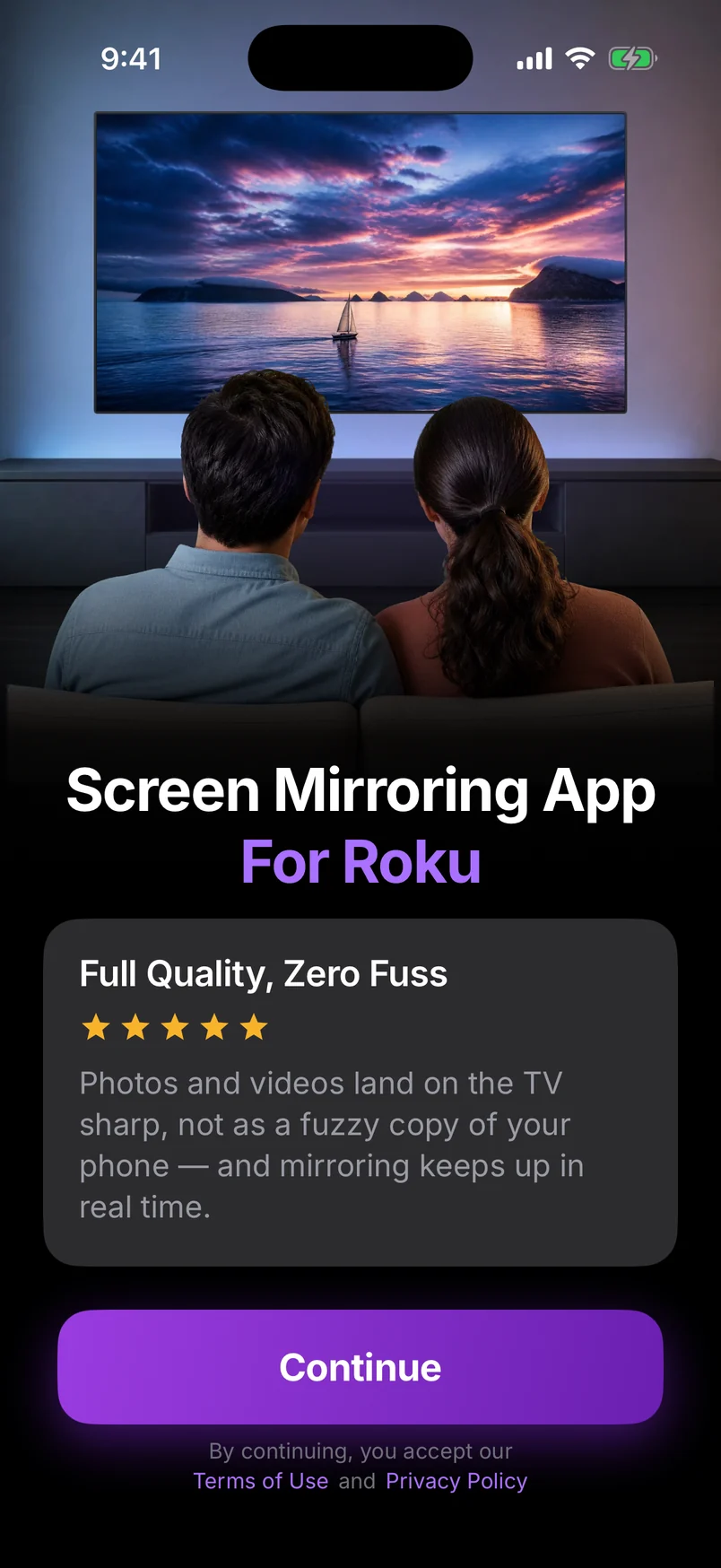
If you've paid for a 4K Roku and a 4K TV, it's fair to ask what you'll actually see when you mirror your phone. Here's the straight answer, and how to get the best picture your setup can give.
Which Rokus are 4K?
| Device | Models | HDR |
|---|---|---|
| Roku Streaming Stick Plus (2025) | 3830 | HDR10 |
| Roku Streaming Stick 4K / 4K+ | 3820 / 3821 | HDR10, HDR10+, Dolby Vision |
| Roku Express 4K / 4K+ | 3940 / 3941 | HDR10, HDR10+ |
| Roku Ultra | 4850, 4802, 4800 and earlier | HDR10, HDR10+, Dolby Vision |
| Roku Streambar SE / Streambar | 9104 / 9102 | HDR10 (SE adds HDR10+) |
| 4K Roku TVs | TCL, Hisense, onn., Roku Pro Series and more | Varies by TV |
Why mirroring tops out at 1080p
Mirroring is live: your phone captures its screen many times a second, compresses it, and sends it across your Wi-Fi as it happens. Two things set the ceiling:
- Your phone's screen isn't 4K to begin with — it's a tall, narrow display that gets fitted into a 16:9 TV frame.
- A live 4K stream would need far more Wi-Fi bandwidth and add delay. 1080p is the sweet spot between sharpness and responsiveness.
We deliberately don't relabel an upscaled phone picture as “4K”. Your 4K TV's upscaler does a good job with a clean 1080p stream, and from the couch it looks crisp.
When you do get true 4K
The trick is to let the Roku play the original file or stream instead of copying your screen:
- Streaming services — open Netflix, YouTube, Prime Video and others in their Roku channel. That's the only way to get their 4K HDR picture.
- Cast Videos — sends the video file itself to the Roku, which plays it at its own quality instead of a live screen copy. Very large 4K files may be converted to a size your Roku can play.
- Cast Photos — shows the photo at full resolution, so it's far sharper than a mirrored gallery.
Getting the sharpest mirrored picture
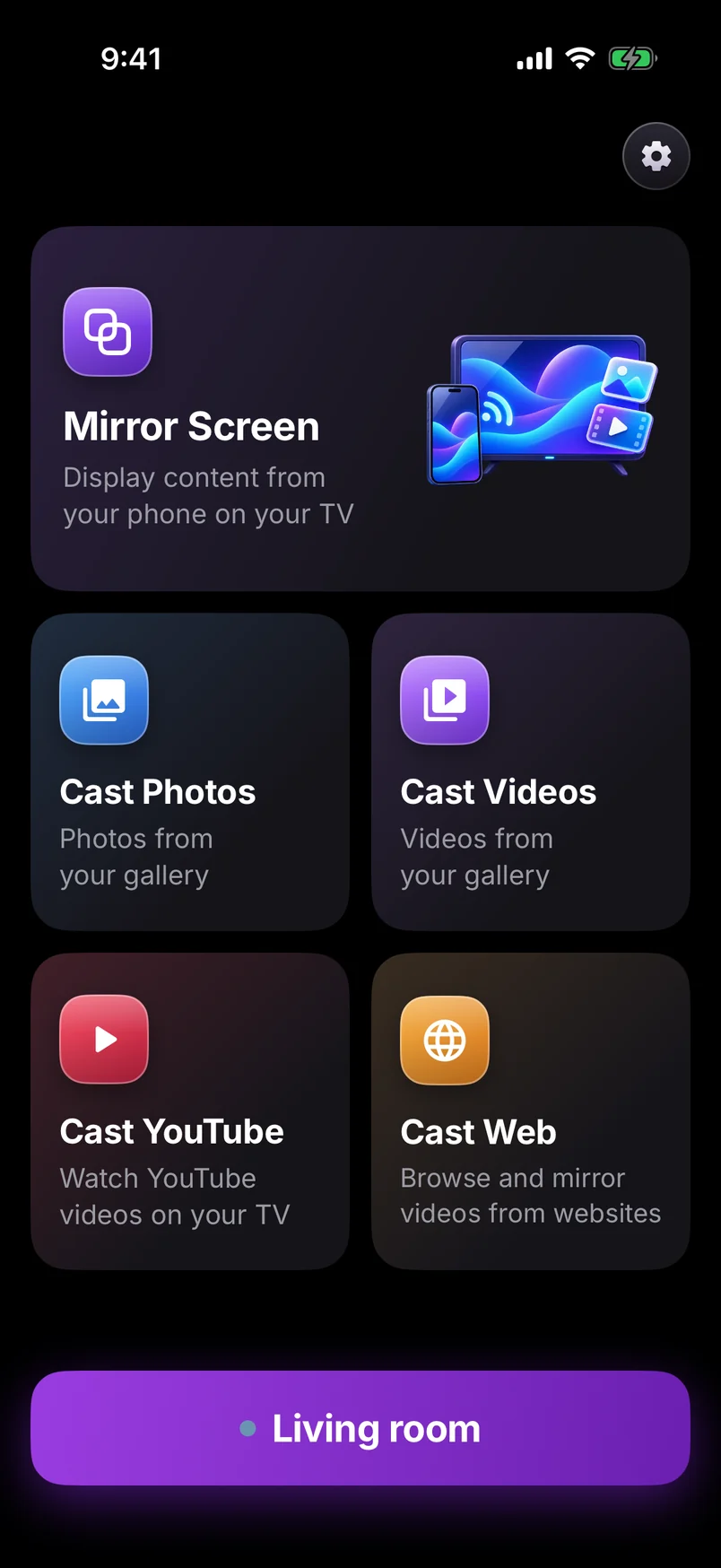
- Turn your phone sideways for videos and games — landscape fills the TV instead of leaving black bars.
- Use a strong 5 GHz Wi-Fi connection, or Ethernet on a Roku Ultra.
- Choose Instant Video for apps and presentations; Screen + Sound when you need audio.
- On a Roku player, set Settings › Display type to Auto detect so the Roku sends your TV its best format.
Mirrors in up to 1080p, upscaled by your 4K TV. Cast a photo or video instead for the sharpest picture.
Streaming Stick 4K guide →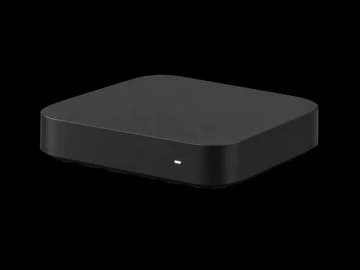
Mirrors in up to 1080p, upscaled by your 4K TV. Cast a photo or video instead for the sharpest picture.
Express 4K guide →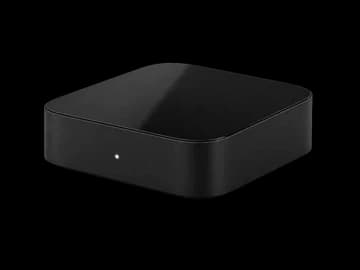
The fastest Roku for mirroring. Plug in Ethernet and you get the lowest delay and the sharpest picture.
Roku Ultra guide →

Every Roku TV can run the free companion channel, so any Android phone can mirror to it — sound included on Android 10+.
Roku TV guide →